 Talkue
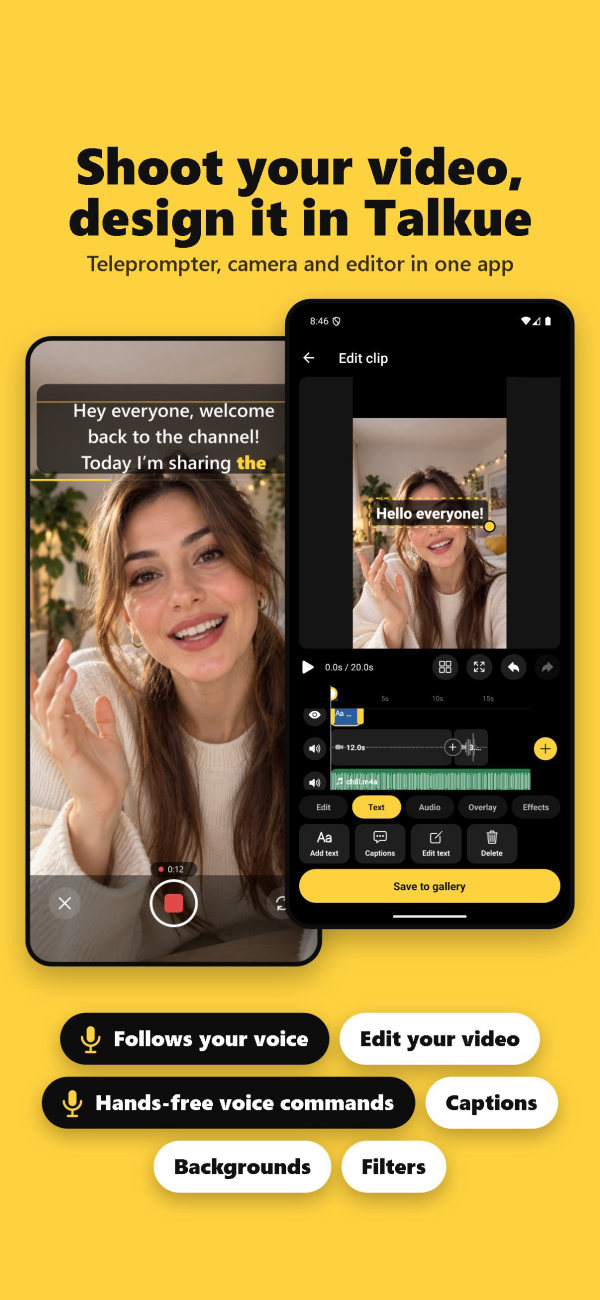
A teleprompter that keeps up with you, not the other way round
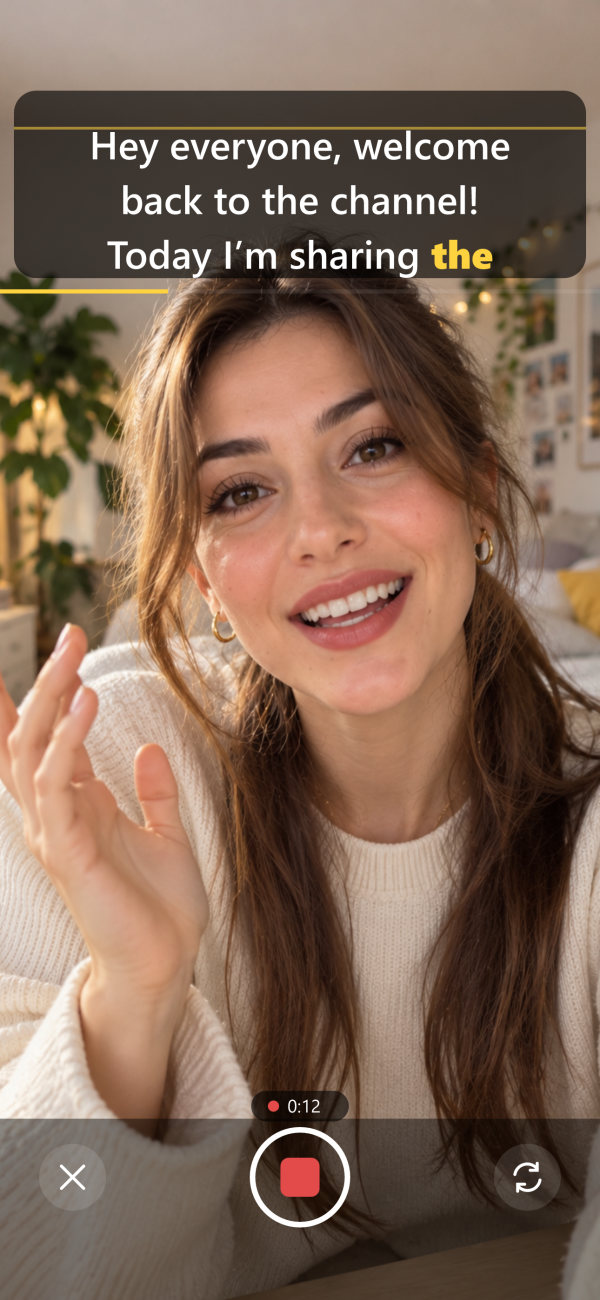
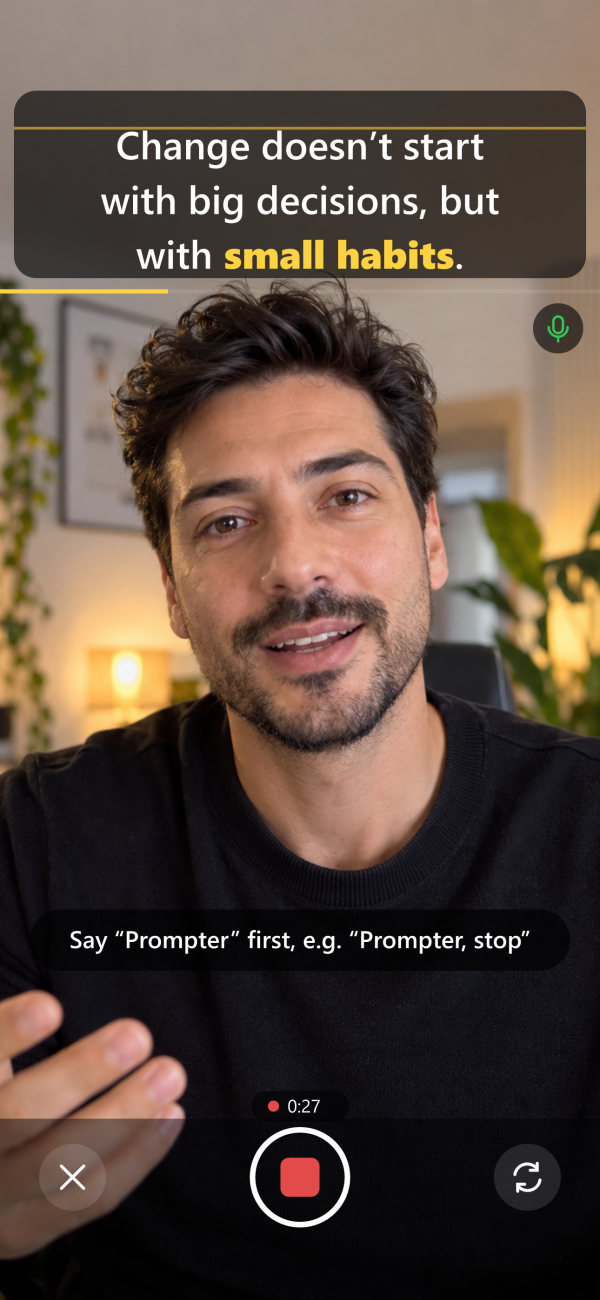
Classic teleprompters scroll at a fixed speed and you race to keep up. Talkue does the opposite: it listens and moves the text as you speak.
- Stops when you pause. Breathe, think, start again; the text waits for you.
- Matches your pace. Speed up and it speeds up; slow down and it slows down.
- Never loses your place. Skip a sentence or re-read one and it still knows where you are.
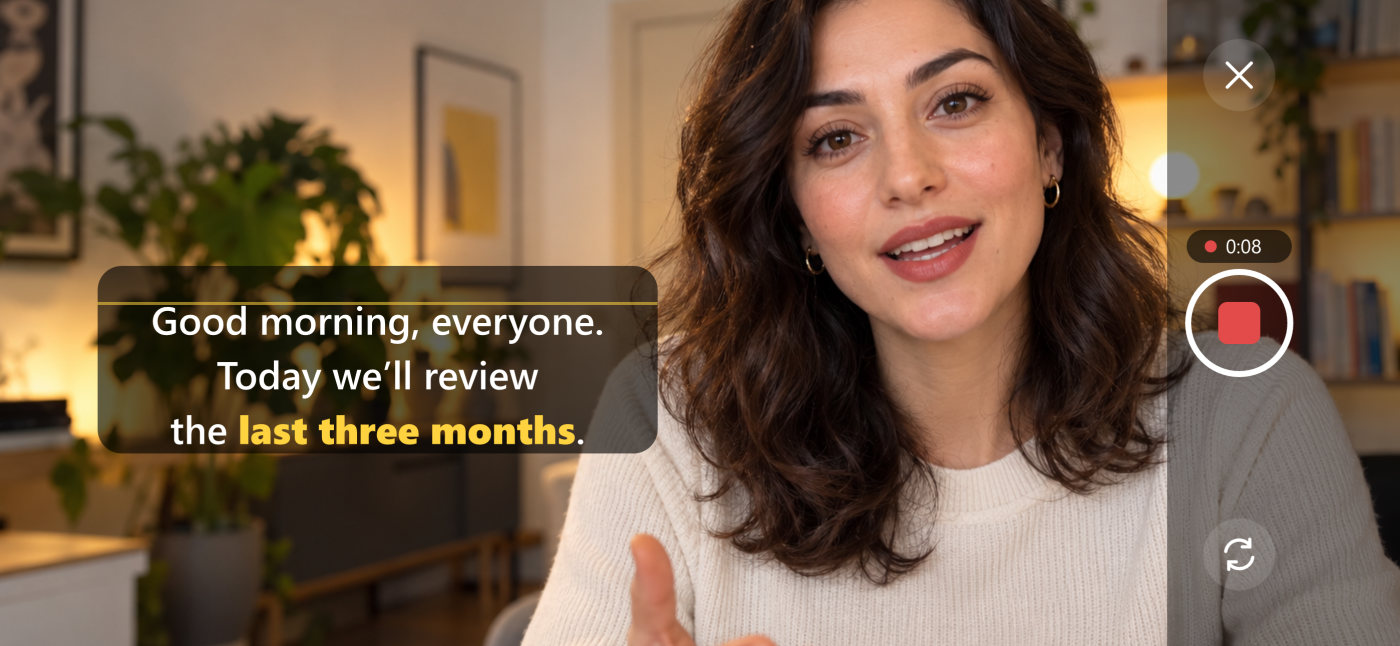
Shoot vertical or horizontal
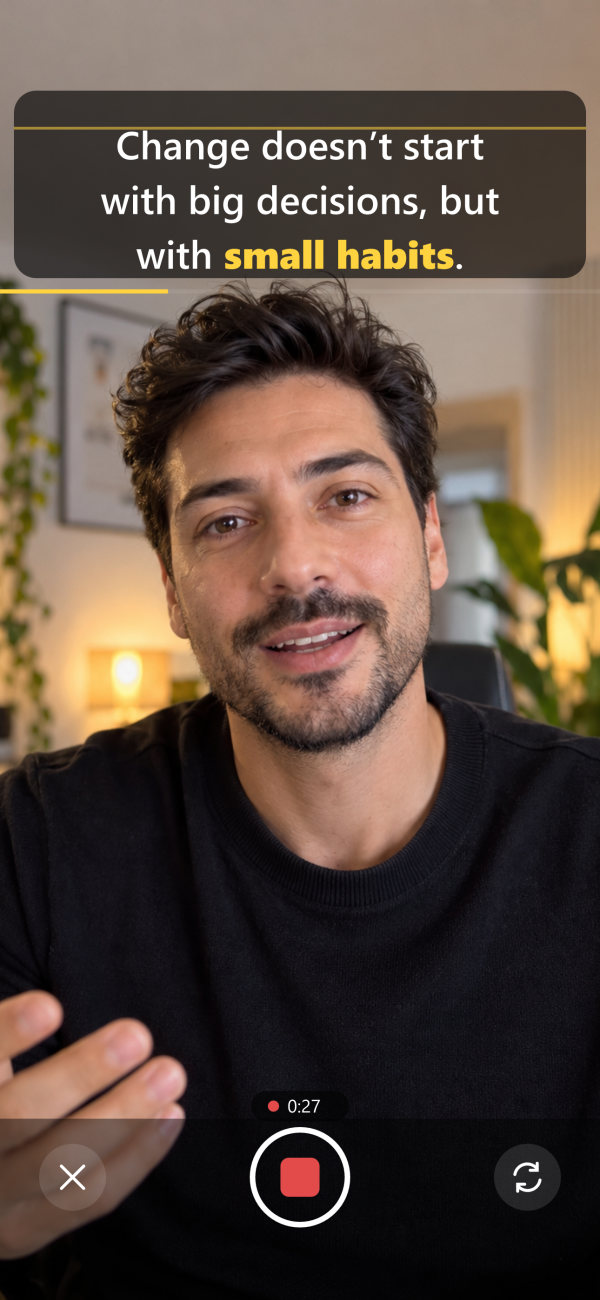
Vertical for Reels and TikTok, horizontal for YouTube and talks. In landscape your script sits in a column right beside the lens and the record buttons move to the other edge, so your shot stays clean.
Look your best, live on camera
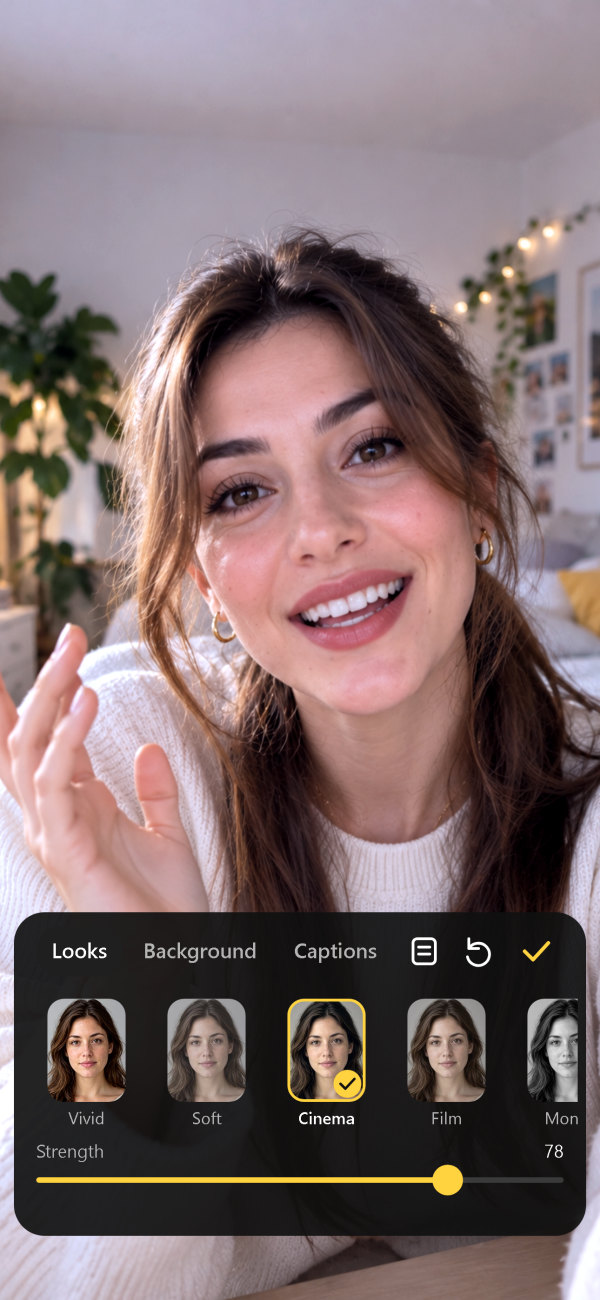
Talkue has its own camera. Filters, beauty, a new background and captions are drawn live and recorded straight into your video, so what you see is what you post. Try them for free in the preview; recording with them is part of Pro.
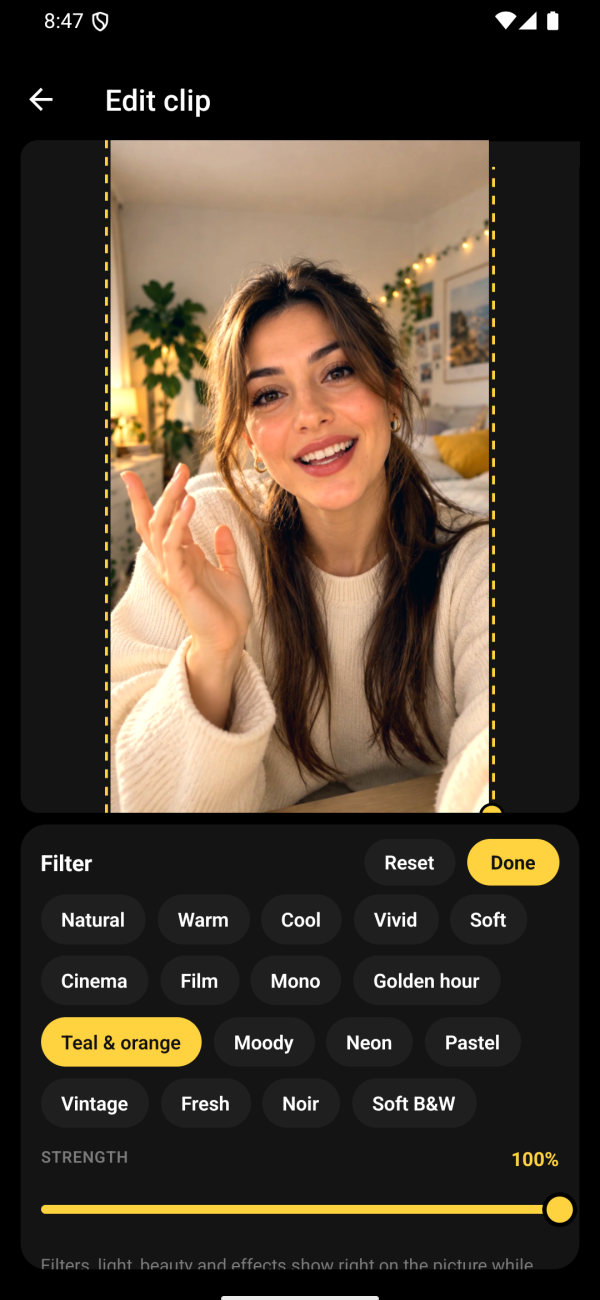
- Live filters. 17 looks, from Natural to Golden hour, Pastel and Neon, with a strength slider.
- Beauty and light. Smooth and brighten skin, blush, slimmer face and nose, bigger eyes, plus clarity, highlights and shadows.
- Your background. Blur it, pick a colour, or place yourself in an office, a garden, a game room and more.
- Live captions. The sentence you are reading is written onto the video as you record. Drag it where you want it.
Edit inside Talkue, no other app needed
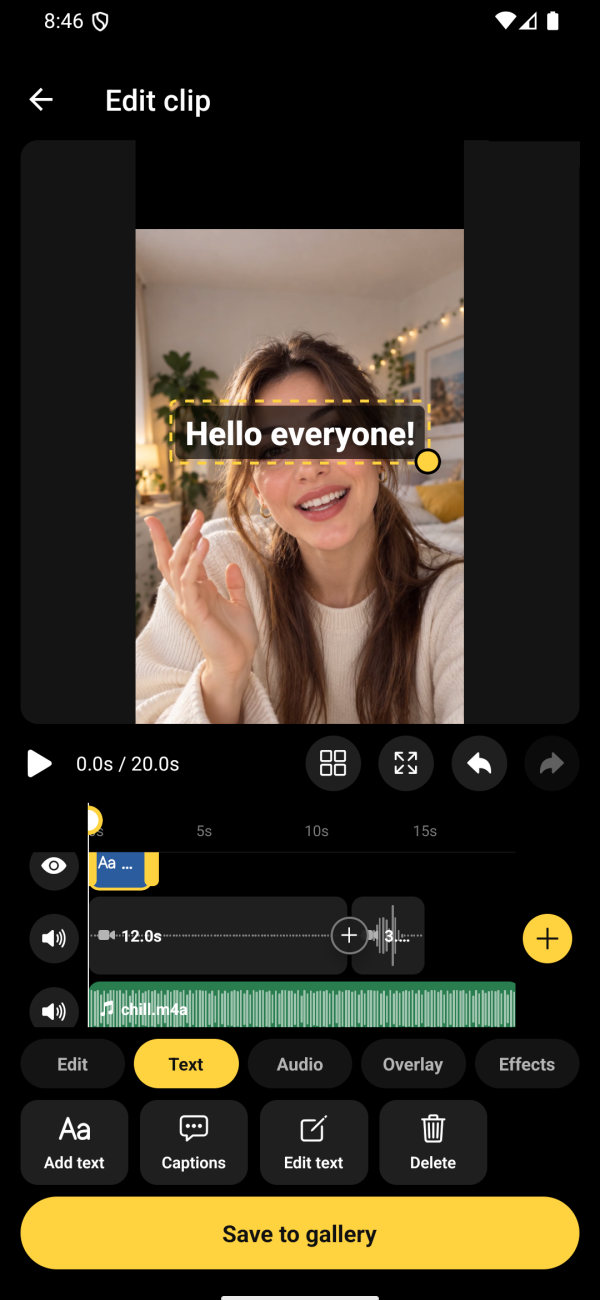
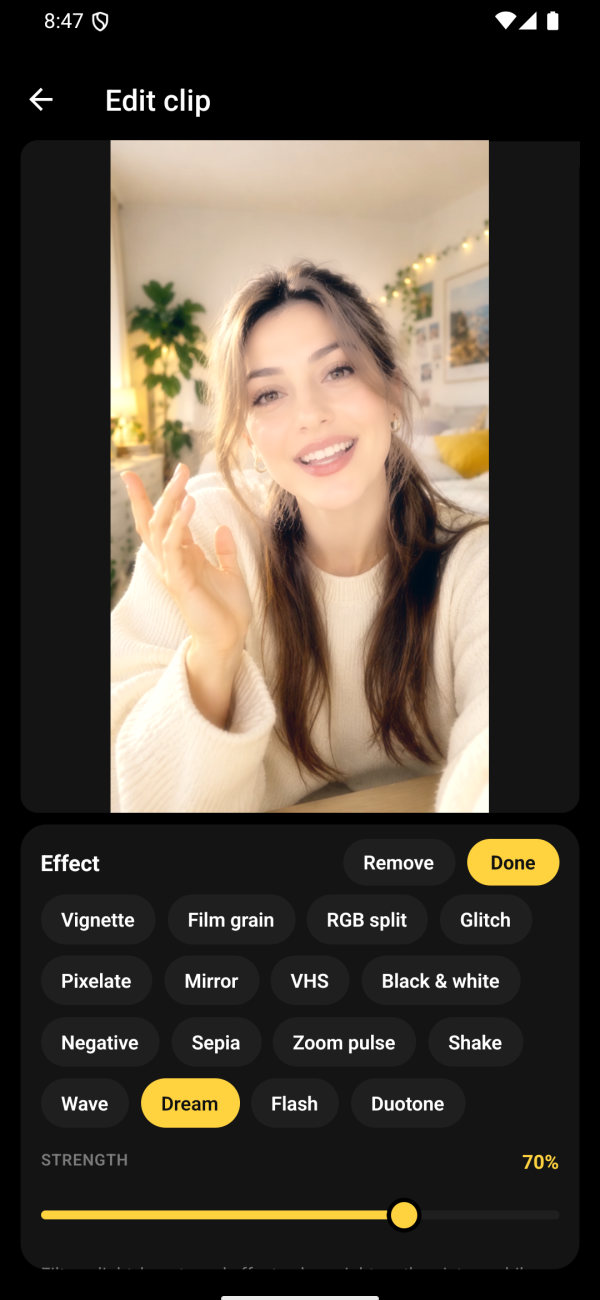
Record, cut and polish in one place. Cut, join, add captions, music, filters, effects and transitions, then save to your gallery. Cutting is free, with a small Talkue mark; the other tools come with Pro.
- Cut and join. Trim, split, reorder and remove pauses on the timeline.
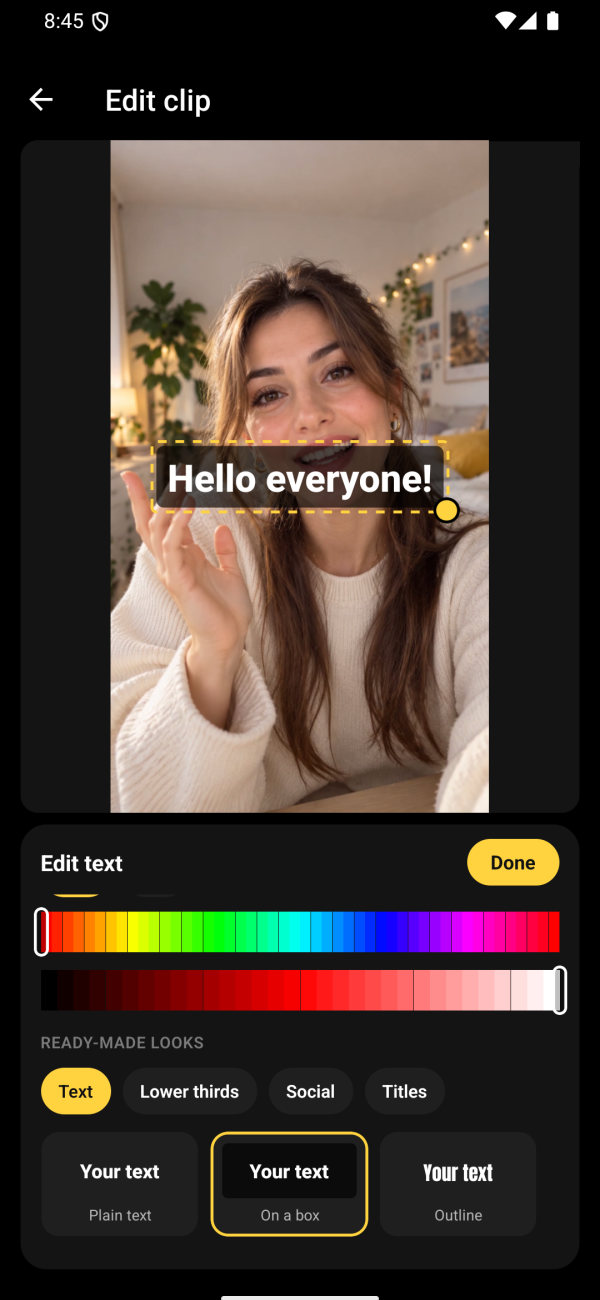
- Captions, text and music. Ready-made looks, placed with your finger.
- Filters, effects and transitions. The same looks as the camera, plus effects between clips.
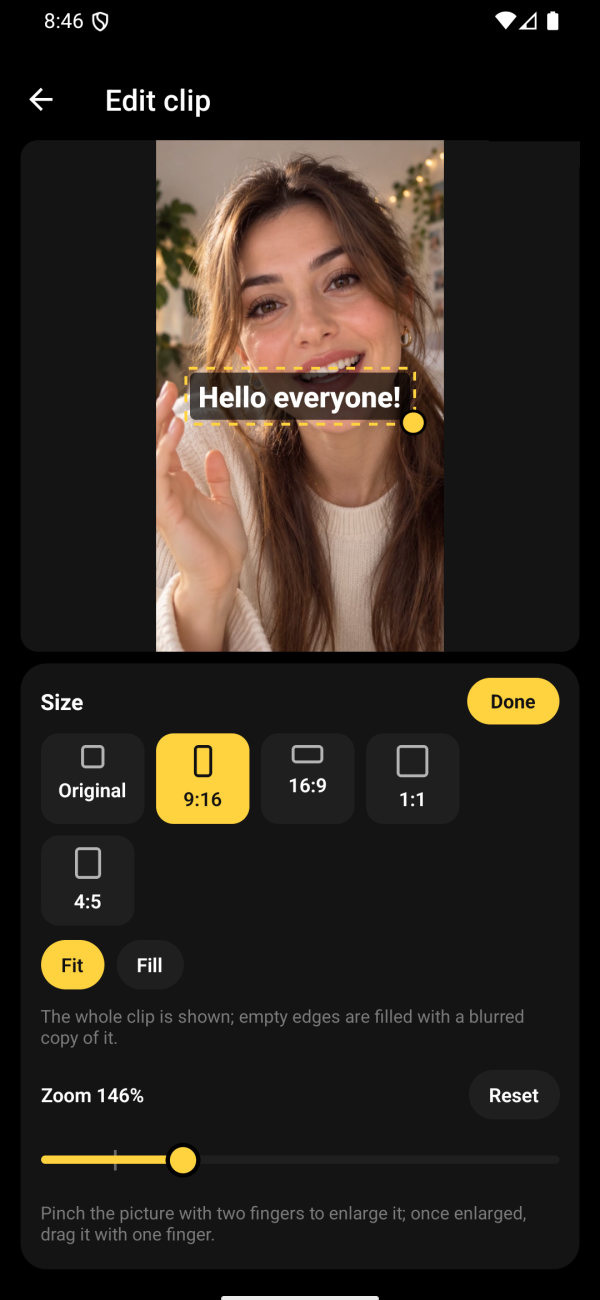
- Place the picture. Pick the frame, pinch to enlarge and drag it where you want.
Everything you need to talk to the camera with ease
Voice follow
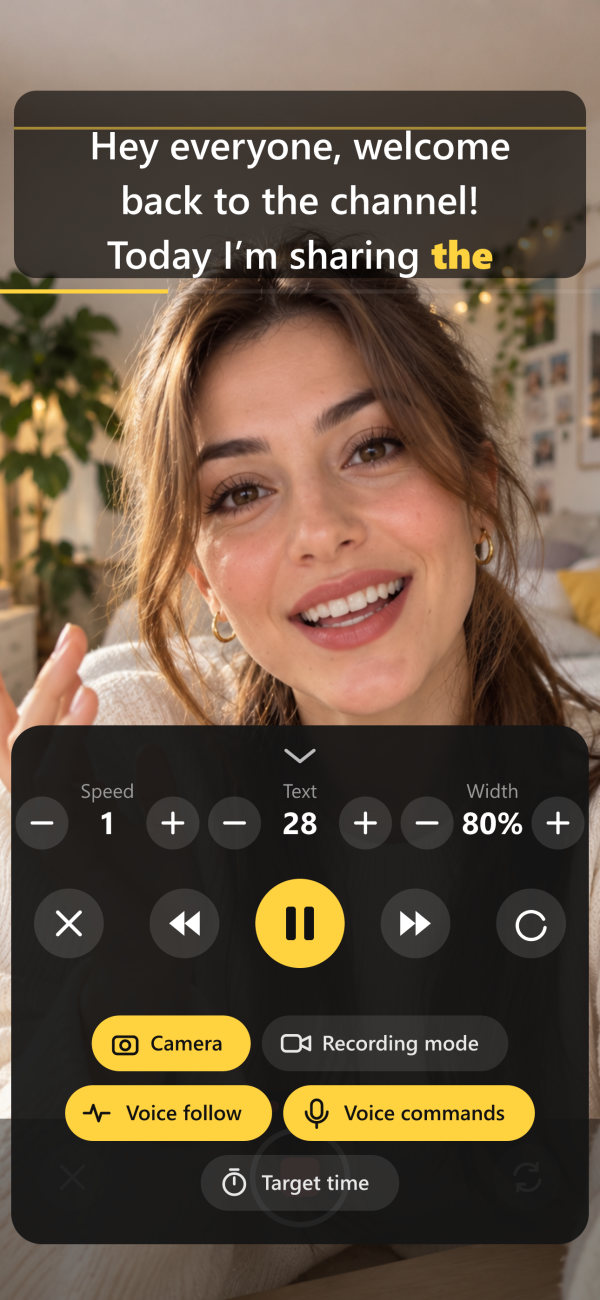
The text moves as you speak and stops when you stop. Speed up or slow down and it keeps up.
Video editor
Cut, join, add captions, music and effects right after recording. Pinch to enlarge and place the picture. On iPhone and Android.
Filters and beauty
17 live looks and beauty effects, light controls and a face that looks like you on a good day. Recorded into the video.
Background
Blur it, pick a colour or choose a scene: office, garden, bedroom, study, lake, beach and more.
Live captions
What you read is written on the video as you record, in four styles, placed where you like.
Voice commands
“Prompter, stop.” “Prompter, speed to three.” “Prompter, back 5 seconds.” Keep your hands free.
Target time
Tell it “finish in 60 seconds” and the speed adjusts itself. Made for Reels, TikTok and Shorts.
Camera mode
Your script scrolls right under the lens, so your eyes stay on the camera. 3-2-1 countdown, portrait and landscape.
Smart markers
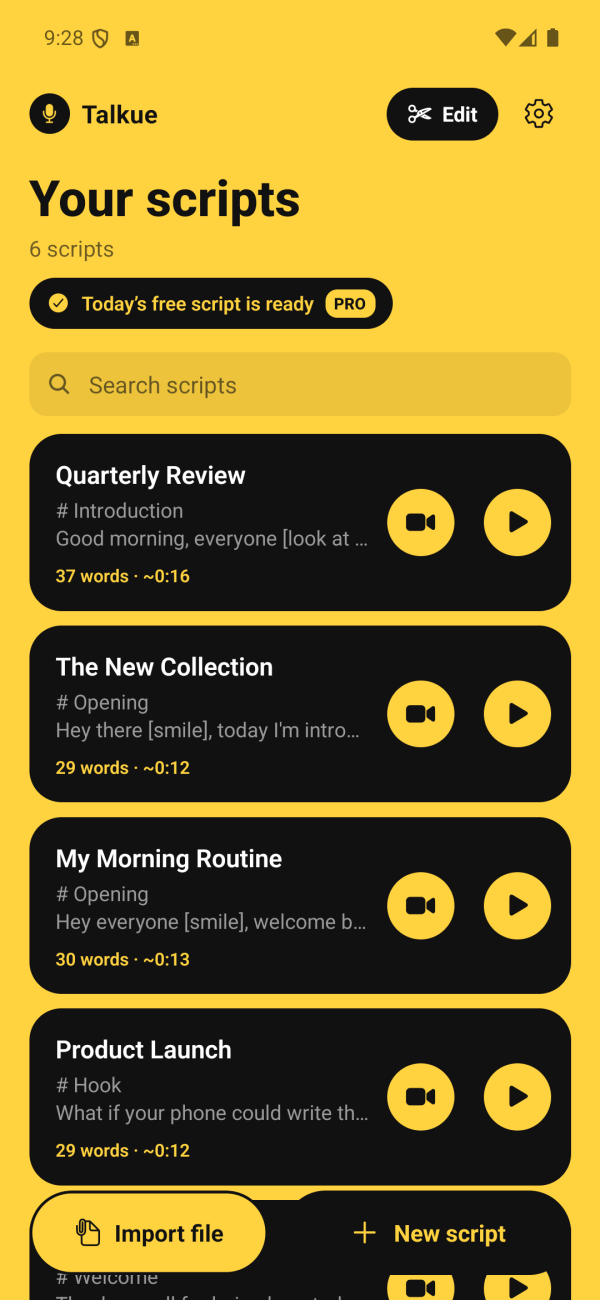
Section headings, [PAUSE], stage notes and emphasis. Jump between sections with one tap.
Mirror and remote
Horizontal and vertical mirroring for teleprompter glass, plus Bluetooth ring remote support.
Offline and private
No account, no ads, no tracking. Your scripts stay on your phone.
19 languages
English, Türkçe, Español, Português, Deutsch, Français, العربية, हिन्दी, Bahasa Indonesia, 日本語, 한국어, 简体中文, 繁體中文, Русский, Italiano, Polski, Nederlands, Tiếng Việt, ไทย.
Camera-ready in three steps
- Add your scriptWrite it, paste it or import a
.txtfile. - Make it yoursSpeed, text size, reading line. Turn on voice follow if you like.
- Look at the lens and talkHit record, 3-2-1, and your script scrolls right under the camera.
Start free, lift the limits when you’re ready
Free
Every day, no account needed
- Write and keep unlimited scripts
- About 45 seconds of one script a day, in the reader or on camera
- Your first camera video has no watermark; later ones carry a small Talkue mark
- Try the camera effects in the preview
- Cut, split and trim in the video editor (exports carry a small Talkue mark)
- Voice follow and smart markers
Pro 7 DAYS FREE
Monthly or yearly · price for your country shown in the store
- Unlimited reading and camera recording
- No Talkue watermark on your videos
- Live filters, beauty, background and captions
- All video editor tools: music, captions, filters, effects and transitions
- Voice commands
- Mirroring and target time
- Every future Pro feature
Get Talkue on iPhone and Android
Questions or ideas? Write to [email protected].